
Secuwall
Specialized & Emerging Technology

Thick Client Testing

Desktop binaries, local storage, and the proprietary protocols behind them

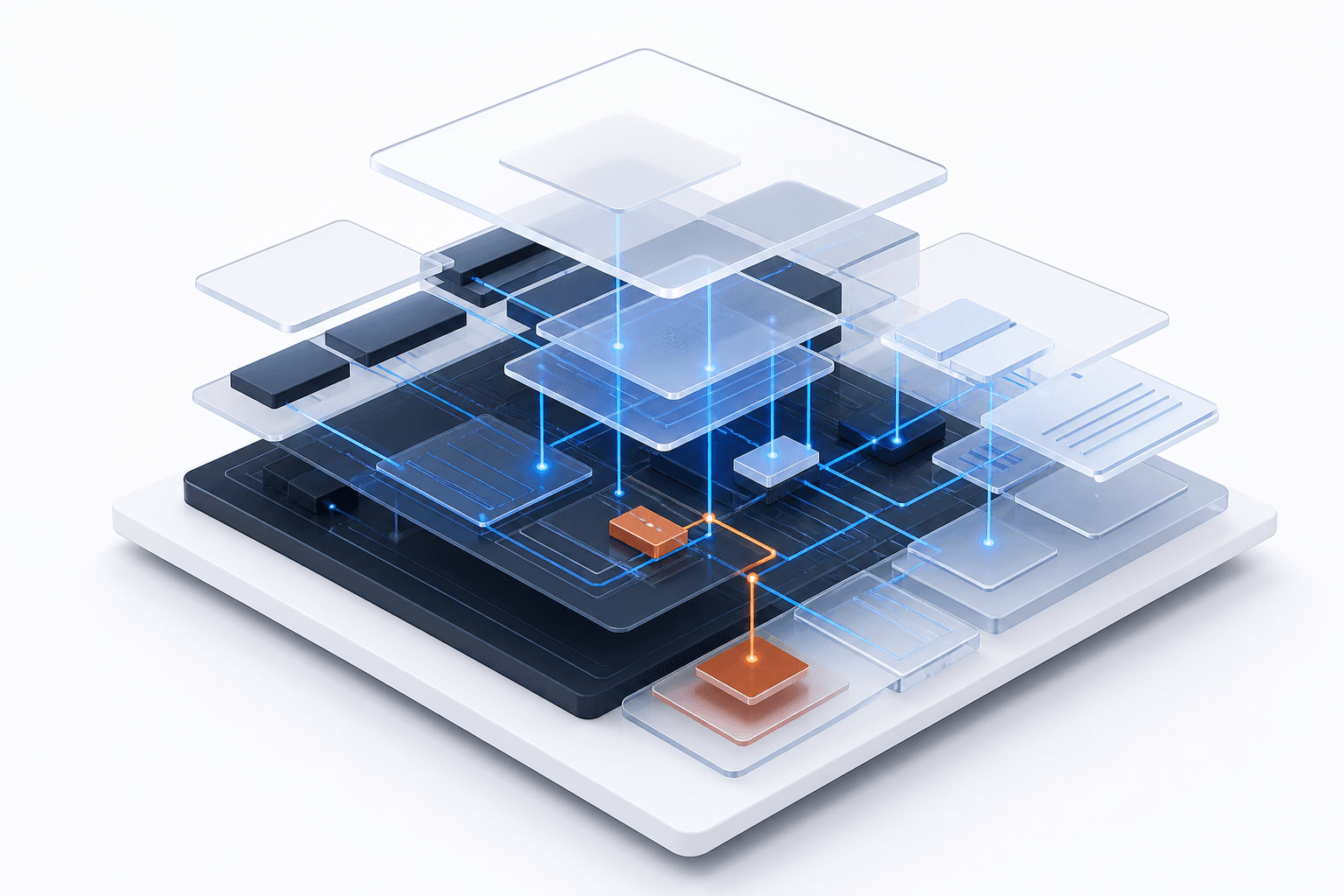
An exploded desktop application showing binary layers, runtime boundaries and backend connections
Controlled security analysis

Desktop applications run on hardware the user controls, which makes every client-side control advisory at best. Two-tier applications that connect straight to a database are the sharpest version of this problem: the credentials are in the binary, and the database trusts whoever presents them. We decompile, inspect memory and configuration, intercept the protocol even when it isn't HTTP, and then test whether the server enforces anything the client claims to.

Scope

What we cover.

  • Two-tier (direct-to-database) and three-tier architectures
  • Local binaries, configuration files, registry entries, and local storage
  • Decompilation of .NET, Java, and native binaries
  • Memory analysis for plaintext credentials and sensitive data
  • Network traffic interception, including non-HTTP proprietary protocols
  • Server-side authorization testing across privilege levels
Methodology

How the engagement runs.

I

Introduction

A thick client is a full-featured desktop application installed on a user's machine. Unlike a browser it performs significant processing locally, while relying on a backend server or database to function.
The goal is to find vulnerabilities in both the local application logic and the communication and backend logic behind it. Attackers target thick clients precisely because they can bypass client-side checks, extract hardcoded secrets, and reach the backend API directly.

Two-tier — high risk

The client connects straight to the database, which means database credentials are typically sitting in the binary and the database trusts whoever presents them.

Three-tier

The client calls an application server, which holds the credentials and talks to the database. More secure, and closer to how a web application behaves.

II

Test phases

1

Planning and scoping

  • Requirements — a working installer or standard build, a virtual machine mirroring the production user environment, and two accounts at different privilege levels so authorization can actually be tested.
  • Scope — client side covers the local binary, configuration files, and local storage; server side covers network traffic and the backend API. Underlying OS vulnerabilities and third-party services you do not own are excluded.
2

Static analysis

Analysing the code without running it. For thick clients this is often the most productive phase of the whole engagement.

  • Identify language and framework — .NET and Java are common and decompile cleanly; native C/C++ requires disassembly and takes longer.
  • Decompilation and disassembly — recovering readable source from managed binaries, or working through assembly for native code.
  • Secret hunting.
    • Database connection strings, complete with username and password
    • API keys and encryption keys
    • Hardcoded backdoor passwords for administrative accounts
    • String analysis across the binary for anything else interesting
  • Configuration files and registry — installation directory config in various formats, and registry keys the application creates. The recurring finding is credentials or connection details sitting in clear text.
3

Dynamic analysis

  • Network communication analysis — running the application under traffic inspection to identify what it actually speaks.
    • HTTP and HTTPS, which proxy easily
    • Raw TCP and proprietary protocols, which need dedicated tooling or manual analysis
    • Direct database connections, visible on the usual database ports
  • Traffic interception — proxying HTTPS via a trusted root certificate, hooking the process for non-HTTP protocols, and where the application refuses to connect through a proxy, defeating certificate pinning by instrumenting the runtime or patching the binary.
  • Client-side logic bypass — the classic case being a disabled administrative control.
    • GUI manipulation — forcibly enabling controls the interface has greyed out
    • Runtime modification — attaching a debugger, flipping the privilege boolean in memory, and resuming
  • Memory analysis — searching process memory for passwords and sensitive data. If it is sitting there in clear text, that is a finding.
4

Exploitation

  • Server-side injection — using intercepted traffic to attack the backend. SQL injection is especially common in two-tier applications where raw queries are constructed on the client. Parameter tampering covers altering prices, identifiers, or privilege values in transit.
  • Local privilege escalation.
    • DLL hijacking — the application loading libraries from writable paths, letting a local user gain code execution
    • Unquoted service paths — where an installed service path contains spaces and lacks quoting
    • File permissions — an installation directory writable by standard users, allowing the executable to be replaced outright
  • Other recurring findings — hardcoded credentials, plaintext storage in config or registry, unencrypted traffic, authorization enforced only on the client while the backend accepts anything, and complete absence of obfuscation.
5

Reporting

  • Executive summary for management framed around business risk.
  • Technical report per finding — description, affected platforms, evidence including code snippets and file paths, business impact, and risk rating.
  • Remediation specific to thick clients.
    • Shift logic to the server — never trust the client; every authorization check belongs server-side
    • Obfuscation — raises the cost of reverse engineering, though it never prevents it
    • Certificate pinning — enforced strictly, to make interception harder
    • Secure storage — platform data-protection APIs instead of plaintext files
6

Remediation and re-testing

  • Debrief meeting to present the findings.
  • Targeted re-test once the development team has implemented the fixes.
Deliverables

What you get at the end.

Executive summary for management
Technical report with evidence and risk ratings per finding
Remediation guidance emphasizing server-side enforcement
Re-test validation

Who it's for

Organizations running installed enterprise applications, particularly legacy two-tier systems.

Need a scope for this engagement?

Tell us what's in your environment and we'll come back with a scoped plan.

Talk to us